
You Can’t Skip These Roblox Competitors

Roblox has introduced millions of joystick junkies and developers to the world for creating amazing games and igniting their creative spark. The platform is loved by users due to its easy accessibility, social interaction systems, and learning virtual economy using Robux. Newbee developers can also learn coding and explore entrepreneurship opportunities using Roblox and its competitors.
All these features are of great help, but once you wish to publish the game outside the Roblox ecosystem, there will be constraints. It is designed to work inside the Roblox environment. And this is why developers who want full control over their creation are searching for Roblox competitors. So, I have pulled together the best Roblox competitors to allow you to break free from the shackles of the developer platform.
Best Roblox Alternatives
Below is a combination of engines and platforms based on your needs and requirements.
1. Unity
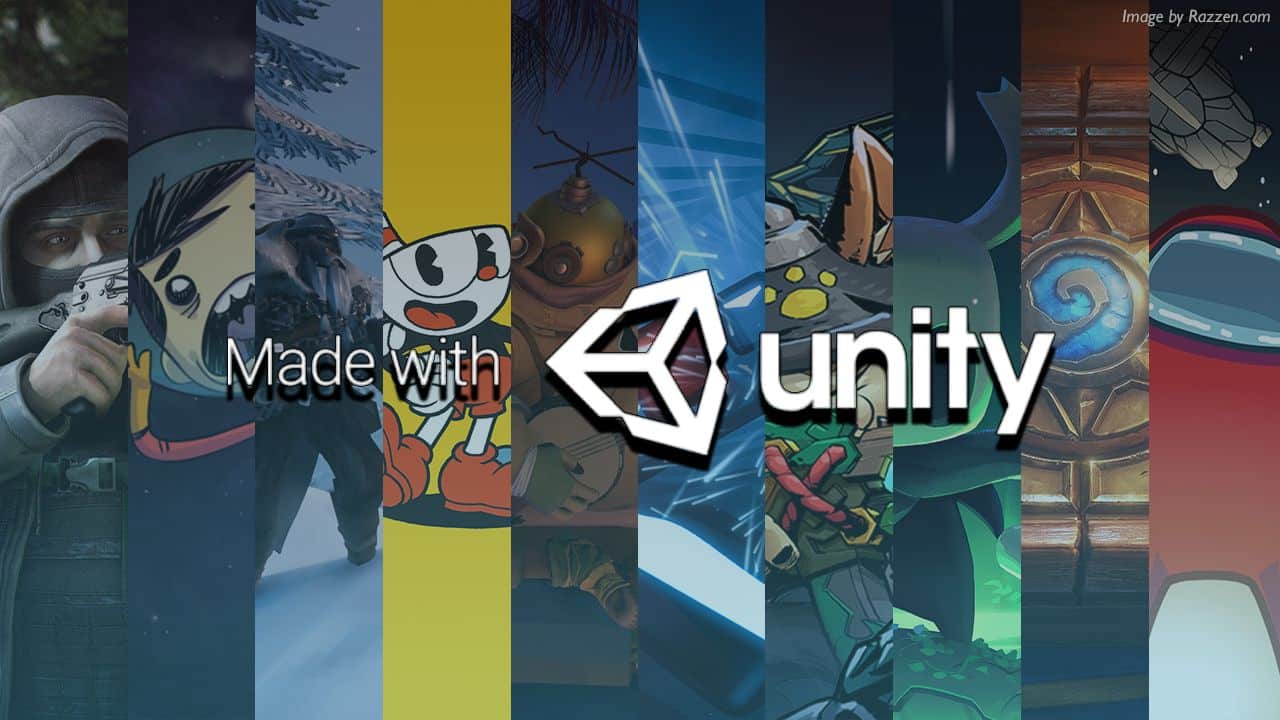
Source: Razzem
It is one of the leading game development engines and is most popular among indie developers. The latest version, Unity 6.4, offers a built-in project auditor, adaptive performance updates, and multiplayer matchmaker features. You can develop, deploy, and grow your game all in one place on your terms.
Whether you are trying a prototype or actual live ops, you can do all. Unity also has several learning and guidance resources with documentation, tutorials, and conversations with like-minded creators. Create in C#, 2D, and 3D.
The developed games can run everywhere, TVOS, web, Apple Vision Pro, PlayStation, Meta Quest, and many more.
Though Unity projects can get complex as they grow, developers consistently need to manage render pipelines, packages, dependencies, and C# assemblies.
2. Unreal Engines
Source: YouTube
One of the most powerful engines that gives you the power to even animate the movement of a single blade of grass. Majorly used in AAA development. Unreal Engine provides extreme control over graphics with technologies like Nanite and Lumen.
PlayStation lovers must be aware of one of the most popular games called Stray. The game is developed on Unreal Engine 4 by BlueTwelve Studio.
The newly released version UE5 offers intuitive blueprint visual scripting and full C++ source available on GitHub.
It supports crossplay, multiplay, voice chat, and more. Also has anti-cheat features. You can ship and scale across platforms and stores for free.
The challenging part of UE is its complexity; it can overwhelm developers coming from Roblox. The engines work on large asset pipelines, loaded shader compilation, and knotty project structures.
3. Cave Engine
Source: Uniday Studio
A good option for standalone developers who want simple and fast iteration without having to deal with overly complicated engine features. It is a lightweight 3D game engine with a Python-based scripting layer built on C++.
Terrain tools, cutscene timelines, hierarchical state machines for AI, and many other elements come ready to use. There is no need for additional plugins or a complex setup.
Unlike Roblox, the created games can be distributed anywhere without platform limitations.
The biggest goal of Cave Engine is speed. It saves developers from creating heavy build pipelines and compilation steps. A great platform for indie developers and small teams who want to focus on building gameplay and not on figuring out complicated engine pipelines.
This engine has some limitations, such as it is designed for Windows, while on other operating systems, performance may not be the same. It does not have IntelliSense for coding support. Also, it does not offer Native 2D Support.
4. Fortnite Creative
Source: Fortnite
It is one of the online multiplayer sandbox games, which can bring your imagination to reality. Think of a place you want to go or a gaming environment you’d like to play in; you can build it in Fortnite Creative.
You can easily create minigames with ready-made assets, characters, and infrastructure. It is convenient to get a big player base and strong monetization options in Fortnite’s ecosystem.
Fortnite has many features, such as objects to choose from, a creative inventory to select, and the ability to set your game themes, PREFABs tab, and more.
The limitations are that all creations are caged inside Fortnite, and you can not export or publish them as standalone games off the platform.
Related: How to Get Bot Lobbies in Fortnite? (2025 Guide)
5. KoGaMa
Source: Google Play
It is one of the best free-to-play sandbox games as a social gaming platform. It is good for all skill levels, where you can build and share game modes. A social and community-driven gameplay with endless possibilities, from parkour courses to sprawling virtual worlds.
It does not require coding as you implement the game mechanics using visual scripting systems. Offers over 1000 ready-to-use game assets, and you can play on any device from anywhere.
The sound and visuals are immersive, and the styles support a creativity-first approach to the game. With controls being intuitive, it is easier for newcomers, whereas challenging for old-schoolers. People who love games like Roblox can definitely consider this as an option.
6. Blockland
Source: Fanatical
A pure sandbox for block-building games. You can think of it as a huge digital LEGO world where you can create crazy obstacles and huge castles without limits. Unlike other multiplayer games like Roblox, this one is free from microtransactions, making you own every creation.
It is an intuitive platform but has deep freedom. You can collaborate with friends and explore physics-driven building systems. Sound effects are focused on building and construction satisfaction instead of immersion.
Blockland is a sandbox game and not a development engine; it has limitations. It does not allow export or publishing of the game outside its ecosystem. The scripts also depend on the internal systems of Blockland.
Tips for Choosing the Best Alternatives to Roblox
If you’re moving from Roblox Studio to avoid the platform limitations and opting for traditional engines. The following checklist will help you make a wise decision when choosing a platform other than Roblox.
Check whether alternative offers ecosystem freedom or not. You must have the ability to export and publish your creations anywhere and on any platform.
Know the depth of creation by understanding how advanced and powerful tools are. As a beginner, you can go for limited tools, which are faster but have less freedom.
See the shipping options like PC, Android, Console, and web.
Look for multiplayer options. Is it built-in, or do you need external services?
Understand monetization and ownership systems to learn about revenue shares, and keep track of who owns the code & assets. Also, can you reuse assets elsewhere?
Does the platform provide learning resources? Try to comprehend whether the skills you gain are transferable or not. Also, if that knowledge helps you outside the respective platform.
The last but most important factor is to understand your need. It is whether you want more freedom or convenience. If you are looking for convenience, such as instant players, speedy prototypes, you can go for platforms. But if your requirement is exporting and publishing outside with full control over the game in every aspect, then you must select a development engine.
Roblox vs Minecraft
FeatureRobloxMinecraftTypeGame platformSandbox gameGame creationHas built-in tools in its Roblox studioOffers different modes and serversExternal publishingNoNoSciptingLuau (it is specific to its internal environment)Java/Bedrock and other add-onsMultiplayer Has a built-in multiplayerRelies on servers and realmsFreedomModerate as you need to follow the platform rulesIt is pretty high in Minecraft’s in-game sandbox
Last Word
Roblox is a great entry gate into the gaming world for developers, but it is a baby step in the journey. As developers gain expertise with experience, they prefer better control over their projects. Then, exploring other engines and the best Roblox alternatives becomes natural. In this blog, I have listed options for both beginners and advanced developers. The writing will also guide you on how to choose the best Roblox competitor in light of your requirements.
Also Read: How To Turn On Voice Chat In Roblox? (2025 Guide)
The post You Can’t Skip These Roblox Competitors appeared first on The Next Hint.


More Stories
Cybersecurity Researchers Link North Korea to $6.4 Billion Binance Hack
By Ryan Morgan Private blockchain analysis companies TRM Labs and Chainalysis have both assessed that North Korean state-backed hackers were...
US Approves Possible $2.1 Billion Sale of 500 Patriot Missiles to Ukraine
By Kimberly Hayek The State Department announced Oct. 30 that it has approved a possible sale of 500 Patriot Advanced...
Who is Timothy Busfield? Cases, Movies, Shows, and Wife
After spending several years under the allegation of child abuse charges, a New Mexico judge has finally issued a judgment....
Economic Momentum Builds as New Figures Beat Expectations
By Andrew Morand and Emel Akan The U.S. economy may be doing more than weathering recent shocks. A fresh batch...
Polish President Aborts Senegal Trip as Protests Erupt Over Court Chief’s Suspension
By Aldgra Fredly Polish President Karol Nawrocki turned back his plane on Oct. 30 while en route to Senegal after...
Judge Bars DOJ From Threatening Election Staff With Criminal Prosecution Over Ballots Processing
By Aldgra Fredly A federal judge barred the Department of Justice (DOJ) from threatening state and local election officials with...